
In today’s digital-first world, having a professional website is no longer optional—it’s essential. Whether you’re a startup, small business, freelancer, or growing brand, your website is often the first impression potential customers have of you. The good news is that you no longer need a massive budget to build a powerful online presence. With affordable WordPress website design, you can create a high-quality, professional, and scalable website without overspending.
This in-depth guide explains everything you need to know about affordable WordPress website design, how to choose the right solution, common mistakes to avoid, and how custom WordPress theme customization services can help you stand out while staying within budget.
Why WordPress Is the Best Platform for Affordable Website Design
WordPress powers over 43% of all websites on the internet, and there are strong reasons for this dominance—especially when affordability is a priority.
Key Benefits of WordPress
- Open-source and free to use
- Thousands of free and premium themes
- Massive plugin ecosystem
- SEO-friendly structure
- Easy to scale as your business grows
- Supported by a global developer community
Because WordPress itself is free, your main costs are design, customization, hosting, and maintenance—which can be optimized to fit almost any budget.
What Does “Affordable WordPress Website Design” Really Mean?
Affordable does not mean cheap or low quality. It means cost-effective, scalable, and smartly built.
An affordable WordPress website should:
- Look professional and modern
- Load fast
- Be mobile responsive
- Be SEO-ready
- Support future growth
- Represent your brand correctly
Many businesses make the mistake of choosing the cheapest option available, only to spend more later fixing issues. The goal is to build it right the first time, even on a limited budget.
Core Elements of an Affordable WordPress Website Design
1. Choosing the Right WordPress Theme
Themes control your website’s design, layout, and structure. There are thousands of free and premium WordPress themes available—but not all are created equal.
A good theme should be:
- Lightweight
- Responsive
- SEO-friendly
- Regularly updated
- Compatible with major plugins
Popular affordable themes include Astra, GeneratePress, OceanWP, and Kadence.
However, using a theme “as-is” often results in a generic website. This is where theme customization becomes crucial.
👉 At TheTechBoard, we customize WordPress themes to match your brand, business goals, and design preferences—without the cost of building a custom theme from scratch.
Affordable WordPress Website Design Themes (Best for Service & Local Business Sites)
🥇 Astra
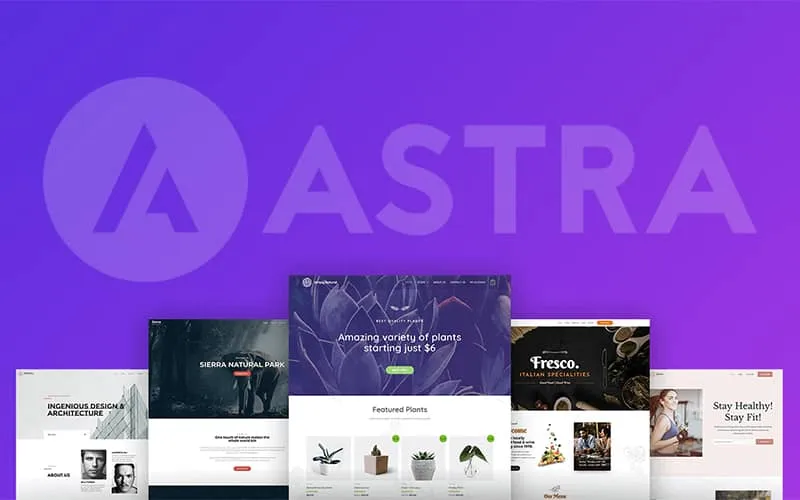
🔗 https://wpastra.com/
💰 Price: Free / Pro (starting ~$47)
⭐ Rating: ⭐⭐⭐⭐⭐ (1M+ installs)
👩💼 Best For
Service businesses, local companies, portfolios, blogs, and WooCommerce.
✔ Pros
- Extremely fast & lightweight (great for SEO)
- Works with Elementor, Gutenberg, Brizy
- Huge library of starter sites
- WooCommerce ready
- Excellent documentation
❌ Cons
- Some advanced features require Pro
🥈 Neve
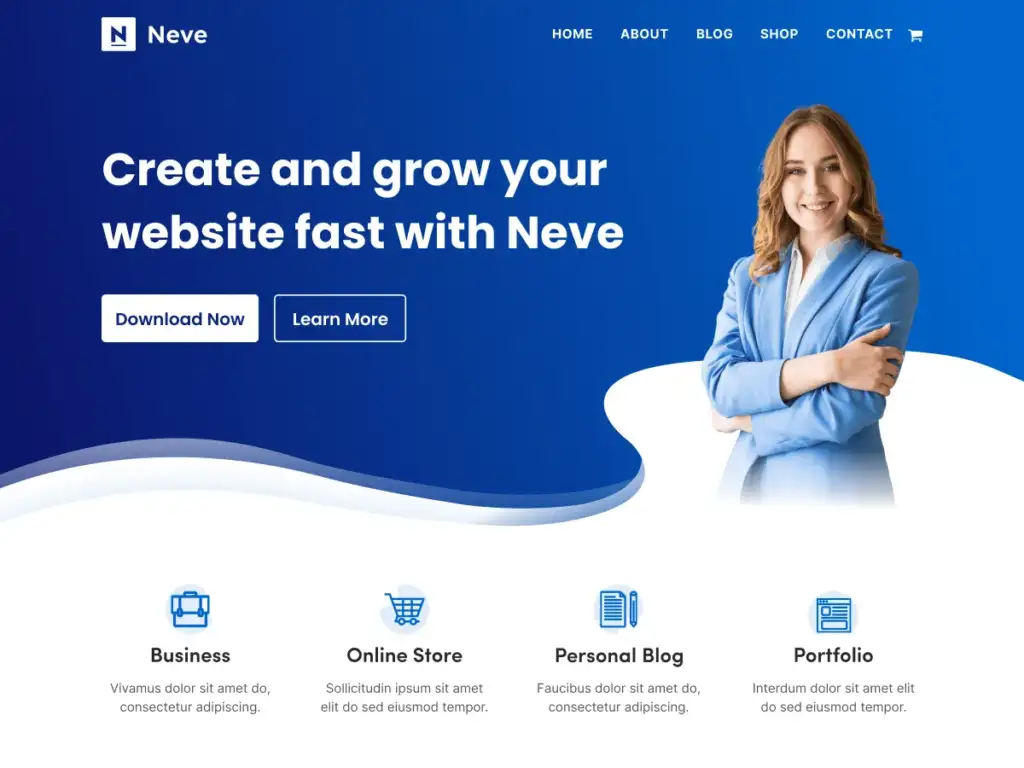
🔗 https://themeisle.com/themes/neve/
💰 Price: Free / Pro (starting ~$59/year)
⭐ Rating: ⭐⭐⭐⭐⭐
👩💼 Best For
Local business, startups, consultants, service pages.
✔ Pros
- Designed for speed & performance
- AMP support
- Multiple starter templates for local business
- Elementor + Gutenberg compatible
- WooCommerce support
❌ Cons
- A few header/footer features are Pro-only
🥉 GeneratePress
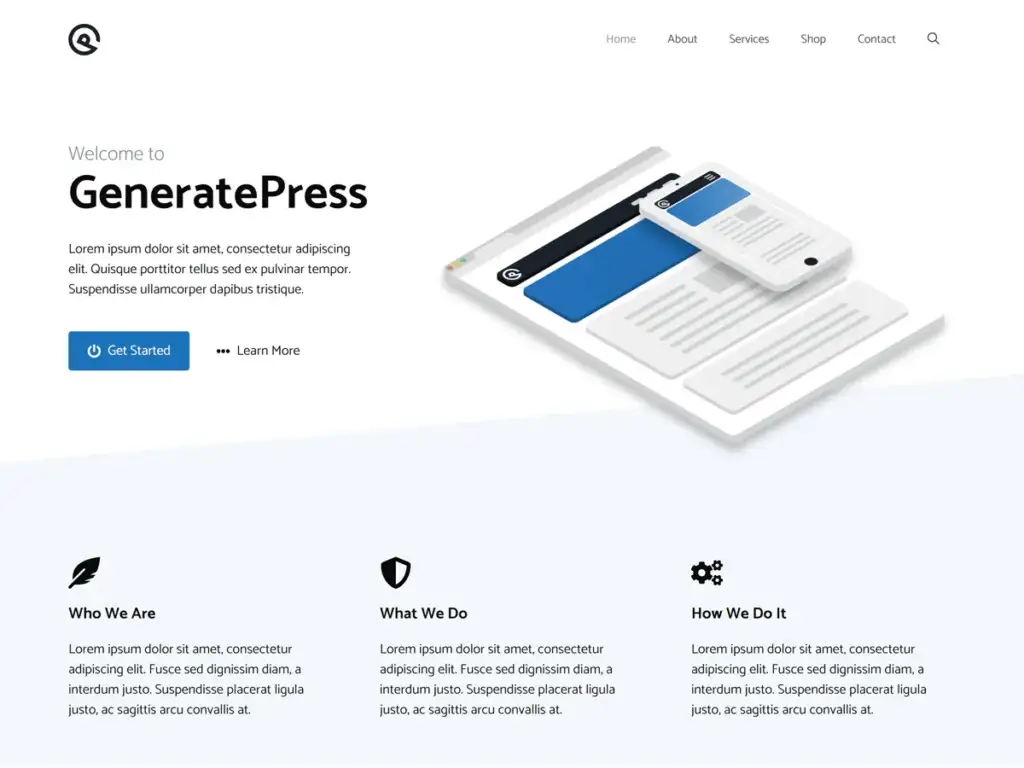
🔗 https://generatepress.com/
💰 Price: Free / Premium (~$49/year)
⭐ Rating: ⭐⭐⭐⭐⭐
👩💼 Best For
Any service site that needs a clean, performance-first layout.
✔ Pros
- Super lightweight and SEO-friendly
- Works with all page builders
- Excellent code quality and security
- Great for performance metrics
❌ Cons
- Some layout options require Premium
4️⃣ Blocksy
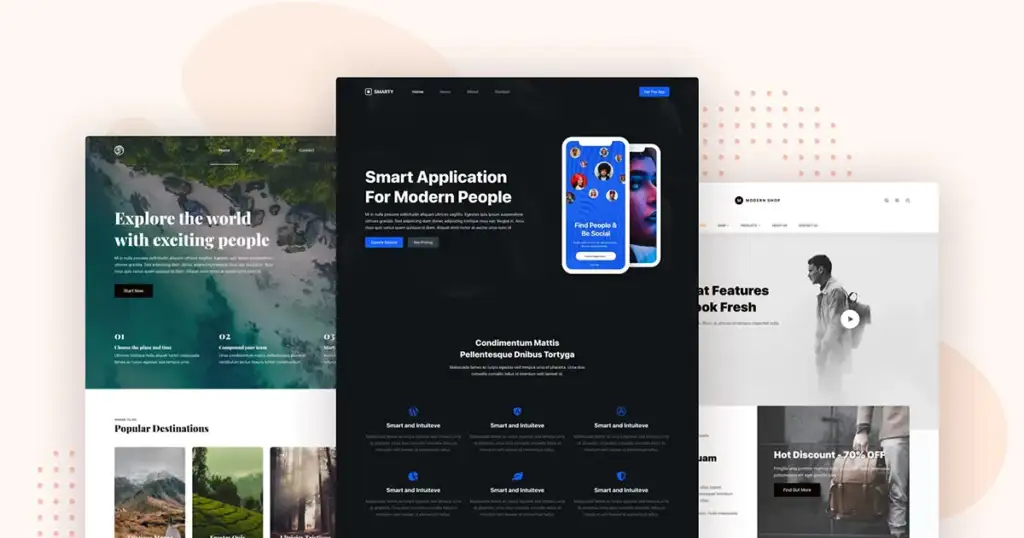
🔗 https://creativethemes.com/blocksy/
💰 Price: Free / Pro (~$49+)
⭐ Rating: ⭐⭐⭐⭐☆
👩💼 Best For
Multi-purpose service sites, agencies, and portfolios.
✔ Pros
- Very modern designs
- Great Gutenberg + Elementor integration
- WooCommerce ready
- Responsive & customizable
❌ Cons
- Pro has the best starter demo selection
5️⃣ OceanWP
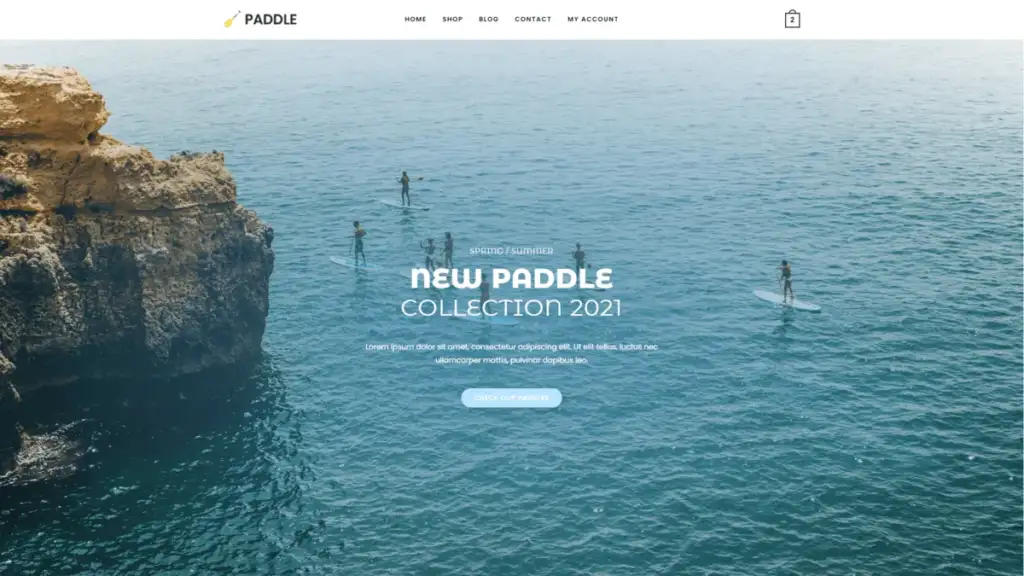
🔗 https://oceanwp.org/
💰 Price: Free / Extensions ($39+)
⭐ Rating: ⭐⭐⭐⭐☆
👩💼 Best For
Service sites with WooCommerce or multi-purpose needs.
✔ Pros
- Strong free starter templates
- Excellent WooCommerce support
- Works with Elementor, Brizy, Beaver Builder
❌ Cons
- Extensions system can feel fragmented
6️⃣ Sydney
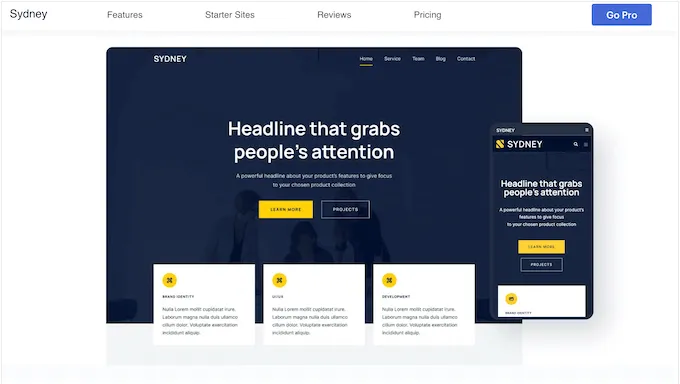
🔗 https://athemes.com/theme/sydney/
💰 Price: Free / Pro (~$69/year)
⭐ Rating: ⭐⭐⭐⭐☆
👩💼 Best For
Consultants, agencies, local service businesses.
✔ Pros
- Professional business layouts
- Easy Elementor customization
- Parallax and slider support
❌ Cons
- Some design features locked behind Pro
7️⃣ Hestia
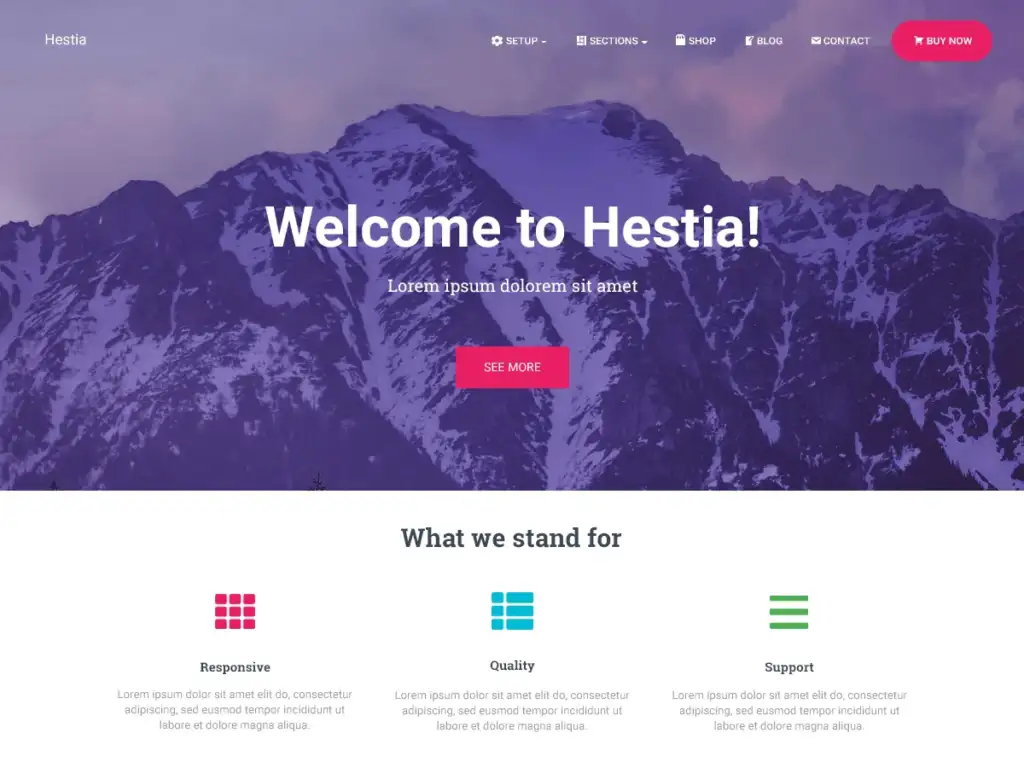
🔗 https://themeisle.com/themes/hestia/
💰 Price: Free / Pro (~$69/year)
⭐ Rating: ⭐⭐⭐⭐☆
👩💼 Best For
One-page business sites, startups, local services.
✔ Pros
- Clean one-page + multi-page layouts
- Integrates with Elementor & Gutenberg
- WooCommerce support
❌ Cons
- More advanced custom sections are Pro only
8️⃣ Kadence Theme
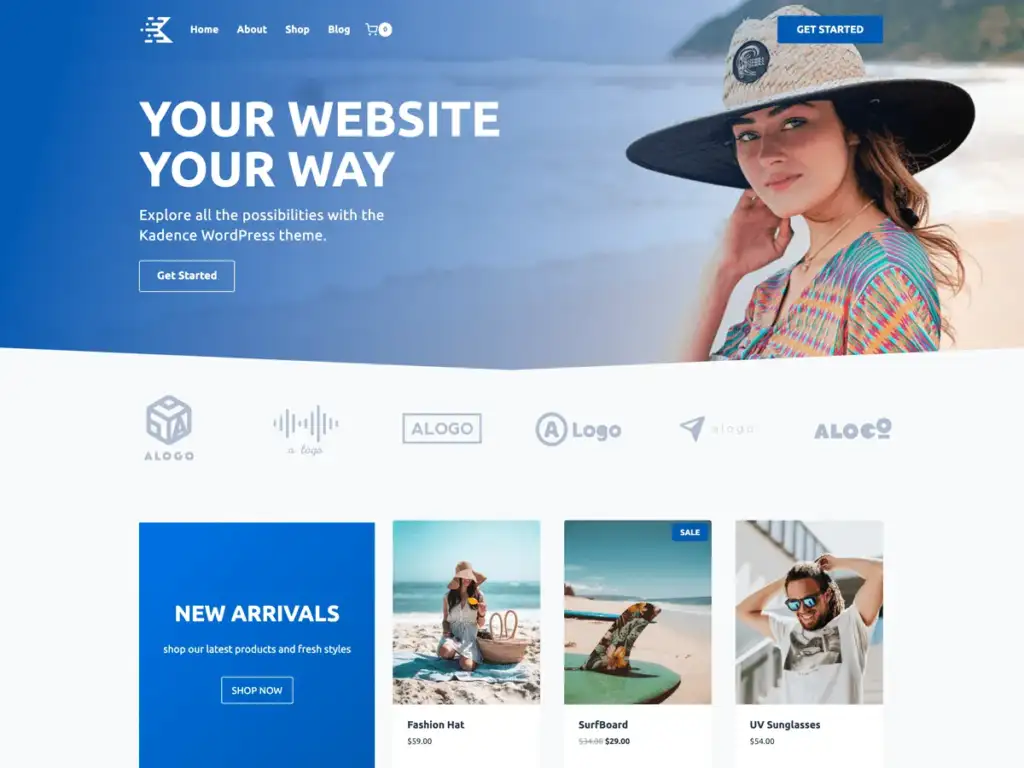
🔗 https://www.kadencewp.com/kadence-theme/
💰 Price: Free / Pro (~$79/year)
⭐ Rating: ⭐⭐⭐⭐⭐
👩💼 Best For
Modern service businesses and agencies.
✔ Pros
- Excellent performance out of the box
- Block editor and header/footer builder
- Great starter packs
- WooCommerce support
❌ Cons
- Some more advanced kit designs are Pro
9️⃣ Hello Elementor
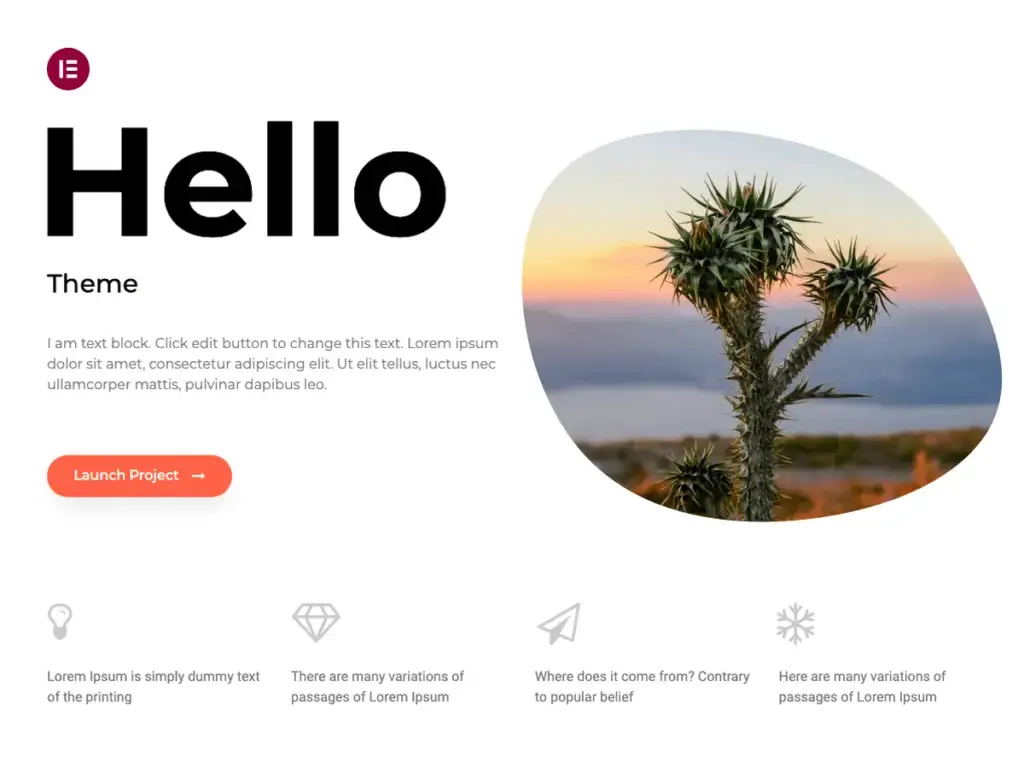
🔗 https://elementor.com/hello-theme/
💰 Price: Free
⭐ Rating: ⭐⭐⭐⭐☆
👩💼 Best For
Full custom design using Elementor.
✔ Pros
- Ultra-light & minimal
- Perfect for 100% Elementor builds
- Super fast performance
❌ Cons
- No built-in page layouts (you must build with Elementor)
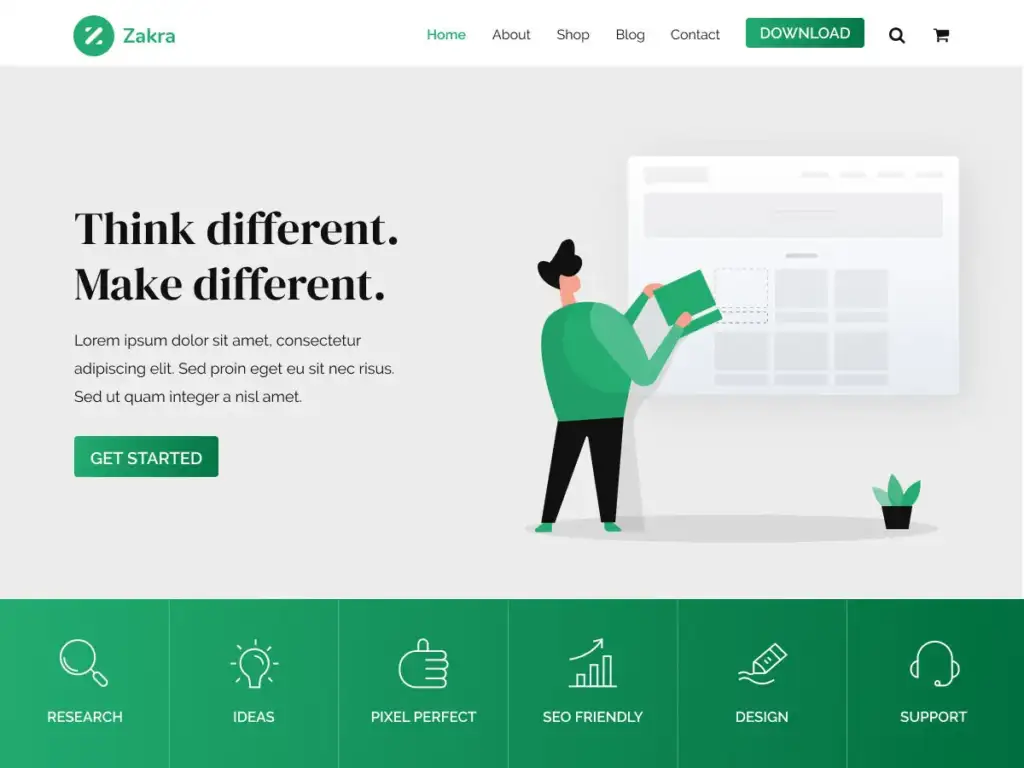
🔟 Zakra
🔗 https://zakratheme.com/
💰 Price: Free / Pro (~$59/year)
⭐ Rating: ⭐⭐⭐⭐☆
👩💼 Best For
Service, corporate, and modern business layouts.
✔ Pros
- SEO-ready & fast
- Elementor + Gutenberg templates
- WooCommerce support
❌ Cons
- Premium starter demos are paid
📊 Quick Summary Comparison on Affordable WordPress website Designs
| Theme | Price | Best For | Page Builder | SEO / Speed |
|---|---|---|---|---|
| Astra | Free / $ | All business types | Elementor / Gutenberg | ⭐⭐⭐⭐⭐ |
| Neve | Free / $ | Local service & startups | Elementor / Gutenberg | ⭐⭐⭐⭐⭐ |
| GeneratePress | Free / $ | Performance first | Any | ⭐⭐⭐⭐⭐ |
| Blocksy | Free / $ | Custom & modern sites | Elementor / Gutenberg | ⭐⭐⭐⭐☆ |
| OceanWP | Free / $ | WooCommerce & services | Elementor / Beavers | ⭐⭐⭐⭐☆ |
| Sydney | Free / $ | Service & consultant | Elementor | ⭐⭐⭐⭐☆ |
| Hestia | Free / $ | One-page services | Elementor / Gutenberg | ⭐⭐⭐⭐☆ |
| Kadence | Free / $ | Agency & modern sites | Gutenberg & Elementor | ⭐⭐⭐⭐⭐ |
| Hello Elementor | Free | Custom builds | Elementor | ⭐⭐⭐⭐☆ |
| Zakra | Free / $ | Business & service | Elementor / Gutenberg | ⭐⭐⭐⭐☆ |
🧠 How to Pick the Right Affordable Theme
Use these criteria:
✅ Performance & SEO
Choose themes like Astra, GeneratePress, Neve, or Kadence — they’re ultra-fast and SEO-optimized.
✅ Ease of Customization
Themes with Elementor support (Blocksy, Sydney, OceanWP) let you edit visually without code.
✅ Service-Ready Layouts
Themes with business templates make it easier to launch pages like:
- Services
- About
- Contact
- Testimonials
- Request a Quote
🚀 Pro Tip: Pair with These Plugins
To make your affordable theme even more effective:
✔ Rank Math — for SEO
✔ Elementor / Elementor Pro — visual design
✔ Contact Form 7 / WPForms — lead capture
✔ WP Fastest Cache / LiteSpeed Cache — speed
✔ Schema & Local SEO — for local search visibility
2. WordPress Theme Customization: Affordable but Powerful
Custom theme development can be expensive, but theme customization offers a smart middle ground.
What Theme Customization Includes
- Custom homepage layout
- Color scheme and branding
- Typography adjustments
- Header and footer customization
- Page layout redesign
- Custom sections (services, testimonials, CTAs)
- Mobile optimization
- Speed optimization
With professional theme customization, you get a unique website experience at a fraction of the cost of full custom development.
👉 You can explore our WordPress Theme Customization & Website Design Services here:
https://thetechboard.net/product/wordpress-theme-customization-service/
3. Affordable Website Design vs Custom Website Design
Let’s break down the difference clearly:
| Feature | Affordable WordPress Design | Custom Website Design |
|---|---|---|
| Cost | Low to Medium | High |
| Development Time | Fast | Long |
| Customization | High (theme-based) | Unlimited |
| Maintenance | Easy | Complex |
| Best For | Small businesses, startups | Large enterprises |
For most businesses, affordable WordPress design with theme customization is the best balance between quality, cost, and performance.
SEO Benefits of WordPress Website Design
Search engine optimization (SEO) is a major advantage of WordPress.
An affordable WordPress website should be built with SEO in mind from day one:
- Clean URL structure
- Fast loading speed
- Mobile-first design
- Schema-ready pages
- Proper heading hierarchy
- SEO plugins like Rank Math
A poorly designed website—even if cheap—can hurt your rankings. Professional theme customization ensures your site is SEO-ready, not just visually appealing.
4. Essential Pages for an Affordable WordPress Website
To keep costs low while maximizing impact, focus on essential pages:
- Home
- About
- Services
- Portfolio / Projects
- Blog
- Contact
A professional designer can create reusable layouts and sections, reducing design time and cost while maintaining quality.
5. Speed & Performance Optimization (Often Overlooked)
Website speed directly affects:
- User experience
- SEO rankings
- Conversion rates
Affordable WordPress websites can still be extremely fast when optimized properly.
Speed Optimization Techniques
- Lightweight themes
- Image compression (WebP)
- Caching plugins
- Clean code
- CDN integration
- Plugin optimization
👉 At TheTechBoard, speed optimization is included during theme customization, ensuring your website loads quickly on both desktop and mobile.
6. Mobile-Responsive Design Is Non-Negotiable
Over 70% of users browse websites on mobile devices. Google also uses mobile-first indexing, meaning your mobile design affects rankings more than desktop.
A properly customized WordPress theme ensures:
- Responsive layouts
- Touch-friendly navigation
- Optimized fonts and buttons
- Faster mobile load time
This is essential for both SEO and user trust.
Common Mistakes to Avoid with Affordable WordPress Design
❌ Choosing the cheapest theme without support
❌ Installing too many plugins
❌ Ignoring SEO during design
❌ Not customizing branding
❌ Skipping speed optimization
❌ Using pirated themes or plugins
These mistakes often lead to higher costs later. Affordable does not mean cutting corners—it means smart planning.
7. How Much Does an Affordable WordPress Website Cost?
Pricing depends on complexity, customization level, and features.
Typical Cost Range
- Basic WordPress website: $150 – $300
- Business website with theme customization: $300 – $600
- E-commerce website (WooCommerce): $500 – $1,000
By using a professional theme and customizing it properly, you avoid the high cost of custom development while still achieving a premium look.
Why Professional Theme Customization Is Worth It
DIY tools can help, but they often result in:
- Inconsistent design
- Poor performance
- Weak SEO
- Generic appearance
Professional customization ensures:
- Clean code
- Brand consistency
- SEO-friendly structure
- Long-term scalability
👉 Our WordPress theme customization service focuses on affordability, performance, and conversions—ideal for startups and growing businesses.
8. Affordable WordPress Design for Different Business Types
Small Businesses
- Service-based websites
- Local SEO-ready
- Lead generation focused
Startups
- Scalable structure
- Minimal but professional design
- Fast launch
Freelancers & Personal Brands
- Portfolio-focused layouts
- Blog integration
- Personal branding
E-commerce Stores
- WooCommerce-ready themes
- Product optimization
- Conversion-focused design
WordPress supports all of these at an affordable cost.
Future-Proofing Your WordPress Website
An affordable website should still be future-ready:
- Easy to update
- Compatible with new plugins
- Scalable design
- SEO-friendly architecture
Theme customization ensures your site doesn’t need a full rebuild as your business grows.
Why Choose TheTechBoard for Affordable WordPress Website Design?
At TheTechBoard, we specialize in:
- Affordable WordPress website design
- Professional theme customization
- SEO-ready structure
- Speed optimization
- Mobile-first design
We don’t just install themes—we customize them strategically to fit your business goals and brand identity.
👉 Learn more about our service here:
https://thetechboard.net/product/wordpress-theme-customization-service/
Final Thoughts
Affordable WordPress website design is not about sacrificing quality—it’s about making smart decisions. By choosing the right theme, investing in professional customization, and optimizing for performance and SEO, you can create a powerful online presence without breaking your budget.
If you’re ready to build or upgrade your website with a customized WordPress theme, professional design, and SEO-ready structure, TheTechBoard is here to help.